Beginner guides
Building a Data Centre Strategy: On-Prem, Colocation or Cloud?
8 min read
On-premises, colocation or cloud? Most organisations end up with a mix. Here is how to assess your workloads, compare the real costs and turn the answer into a roadmap you can act on.
Why you need a strategy, not just a server room
Most organisations did not choose where their IT runs. It grew: a comms room in the office, a few cloud subscriptions, perhaps a rack in a data centre that someone signed up for years ago. A data centre strategy replaces that drift with a deliberate decision about where each workload should live, why, and what it will cost over time.
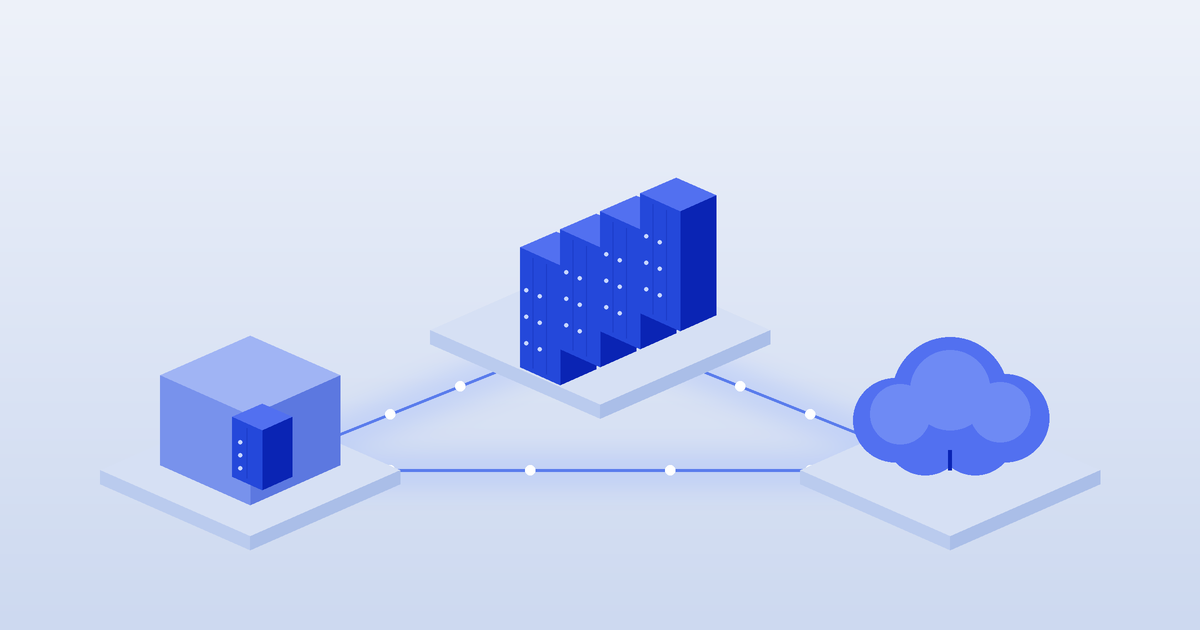
The choice is rarely all-or-nothing. The three main options are on-premises (your own room or building), colocation (your equipment in someone else's purpose-built facility) and public cloud (renting compute and storage as a service). Most mature strategies combine them. This guide walks through how to decide.
The three options at a glance
• On-premises. You own or lease the space and are responsible for power, cooling, security, fire protection and staffing. It gives maximum control, but resilience is limited by the building, and the costs of upgrades land on you.
• Colocation. You own the servers but rent space, power and cooling in a professional facility, usually with a choice of carriers and direct cloud connections. Our what is colocation guide explains how it works.
• Public cloud. You consume infrastructure as a service and pay for what you use. It is fast to start and scale, but costs can grow with usage and data transfer, and you depend on the provider's architecture and terms.
Step 1: Assess your workloads
Start with an inventory, not a preference. For each application or system, record:
• Business criticality. What happens if it is down for an hour, a day or a week?
• Performance and latency needs. Does it need to sit close to users, other systems or a trading venue?
• Data sensitivity and compliance. Does it hold personal information covered by the Privacy Act 1988, or fall under sector rules such as APRA's prudential standards for banks and insurers, or government hosting requirements? Our government data centre requirements guide and sovereign cloud guide cover the public sector side.
• Usage pattern. Is demand steady, seasonal or spiky?
• Hardware needs. Does it need specialist kit such as GPUs or high-density racks? See our AI infrastructure guide.
• Age and lifecycle. When is the hardware or software due for replacement?
As a rule of thumb, steady, predictable or specialised workloads often suit owned hardware in colocation, while variable or short-lived workloads often suit cloud. Treat that as a starting point, not a verdict.
Step 2: Compare total cost of ownership
Comparing a monthly cloud bill with the price of a server is misleading. Compare the full cost of each option over the same period, typically three to five years:
• On-premises: building fit-out, power and cooling upgrades, UPS and generators, electricity, maintenance, security, insurance and the staff time to run it all.
• Colocation: rack or cage fees, power charges, cross-connects, remote hands, setup fees and your own hardware refresh. Our colocation cost guide breaks down a typical bill, and the power and redundancy guide explains power pricing.
• Cloud: compute, storage, data transfer out of the cloud, support plans, and the cost of reserved or committed capacity if you use it.
Include the hidden costs on every side: migration effort, licensing changes, network links between sites, and the cost of downtime. Get itemised quotes rather than relying on headline prices.
Step 3: Pick your hybrid pattern
Common patterns we see in Australian organisations include:
• Colocation core with cloud on-ramps. Core systems and databases run on owned hardware in a carrier-neutral facility, with private connections to one or more clouds for burst capacity and software-as-a-service. Our cloud on-ramps guide and AWS Direct Connect guide explain the links.
• Cloud first, colocation for the exceptions. Most workloads run in the cloud, with colocation for latency-sensitive, high-density or sovereignty-constrained systems.
• Primary plus disaster recovery. Production in one location and recovery in another city or in the cloud. See our geographic redundancy guide and disaster recovery guide.
• Edge plus core. Small footprints near users or operations, backed by a central facility, as described in our edge computing guide.
Location matters in every pattern. Compare facilities in Sydney, Melbourne, Brisbane and other capitals on the DChunt map.
Step 4: Turn it into a roadmap
A strategy only helps if it becomes a plan. A simple roadmap template:
1. Now (0 to 3 months): finish the workload inventory, confirm compliance requirements and agree success measures such as cost, uptime and recovery times.
2. Next (3 to 12 months): shortlist facilities and cloud services, run proof-of-concept tests, and move the first low-risk workloads. Our migration guide covers the move itself.
3. Later (12 months and beyond): migrate critical systems, decommission old rooms, and review the mix at each hardware refresh or contract renewal.
Review the strategy at least once a year. Prices, regulations and your own workloads all change.
Common mistakes to avoid
• Moving everything to one option because it worked for another organisation.
• Comparing list prices instead of full multi-year costs.
• Forgetting network costs and latency between sites and clouds.
• Signing long contracts before testing performance.
• Leaving disaster recovery until after the migration.
DChunt is independent and does not sell data centre space or cloud services. Use our comparison tool and provider directory to shortlist facilities, or the free assessment to get a recommendation for your workloads.
Frequently asked questions
Not sure how this applies to your business?
The free DChunt assessment turns answers like these into realistic pricing and a provider shortlist for your specific requirements.
Get a free colocation assessment from DChunt