Facilities
Modular Data Centres: When They Make Sense
7 min read
Modular data centres promise fast, flexible capacity in a box. Here is what the term really covers, where modular makes sense, where colocation is the better fit, and the questions to ask before you buy.
Capacity in a box, with conditions
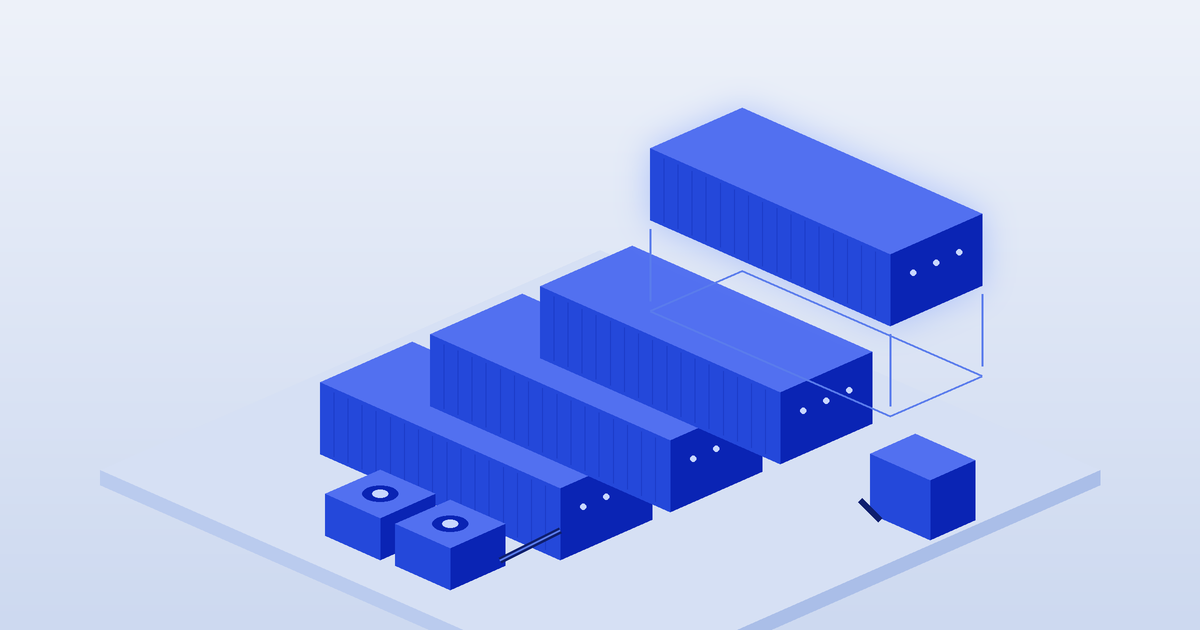
A modular data centre is built from standard, factory-made units rather than designed and constructed from scratch on site. The pitch is speed and flexibility: capacity that arrives ready to connect, and more modules when you need them.
That can be exactly right for some situations and an expensive detour for others. Most organisations do not need to own a data centre at all, so this guide explains what modular really means, where it fits, and how it compares with renting space in an existing facility.
What "modular" actually covers
The word is used loosely, so pin down which kind a supplier is offering:
• Containerised units. IT racks, power and cooling fitted inside a shipping-container-style enclosure, delivered by truck and placed on a prepared pad.
• Prefabricated modules. Larger factory-built rooms or "pods" for power, cooling or IT that are joined together on site to form a building.
• Micro and edge enclosures. Small cabinets or rooms holding a few racks, designed for branch, factory or remote sites.
• Modular design inside a conventional building. Many large operators build halls in repeatable blocks so they can add capacity in stages. Here, "modular" describes the build method, not something you buy yourself.
The first three are things you buy or lease and run on your own land. The last is how much of the colocation market already grows.
Where modular makes sense
Modular units tend to suit situations where there is no suitable data centre nearby, or where computing has to sit close to the work:
• Remote and industrial sites. Mines, energy projects and other operations far from a city often need local processing, control systems and storage. Our Perth and Western Australia guide covers how resources workloads shape demand.
• Edge deployments. Applications that need very low latency or must keep running if the wide-area link drops, as covered in our edge computing guide.
• Temporary or fast-changing needs. Construction projects, events, defence exercises or a stop-gap while a permanent facility is built.
• Specialist density. Some suppliers offer modules designed for high-density or liquid-cooled racks, which can help when a building cannot be retrofitted. Our cooling technologies guide and AI infrastructure guide explain the cooling side.
Where colocation is usually the better fit
If your equipment can live in or near a capital city, colocation is often simpler. A colocation facility already provides the building, redundant power, cooling, security, fire suppression, staff and, most importantly, a choice of carriers and cloud connections. With a modular unit, you take on all of that yourself.
Key gaps to weigh:
• Connectivity. A unit on your own land has only the network links you bring to it. Carrier-neutral facilities offer many carriers and cross-connects in one place, as explained in our cross-connects guide.
• Power and redundancy. You need enough grid supply, plus generators, fuel and UPS sized for your target redundancy. Our power and redundancy guide covers what to plan for.
• Operations. Someone has to monitor, maintain and secure the unit around the clock. In colocation, remote hands and site security are part of the service.
• Certification and compliance. Many colocation facilities hold independent certifications that would be costly for a single site to match.
You can compare existing facilities by city on the DChunt map and in the provider directory before deciding to build.
Costs and practical limits
Modular units can reduce design and construction time compared with a traditional build, but they are still a capital project. Beyond the unit itself, budget for site works, the slab or pad, the grid connection, generators and fuel, network links, delivery and installation, ongoing maintenance and insurance. Prices vary widely by size, specification and supplier, so get itemised quotes rather than relying on headline figures.
In Australia, check local council planning and building approval requirements early, and use licensed electricians for connection work. Grid connection lead times can also be longer than the time it takes to build the module, so ask your network provider early.
To compare against renting space, our colocation cost guide breaks down a typical monthly bill. Our Tier III vs Tier IV guide explains what resilience ratings mean if a supplier quotes one.
Questions to ask before you commit
• What exactly is included: IT racks, power distribution, UPS, cooling, fire suppression, monitoring and physical security?
• What redundancy does the design provide for power and cooling, and has it been independently assessed?
• What site works, approvals and grid capacity are needed, and who manages them?
• How will the unit connect to your network, and is there a second, diverse path?
• Who maintains it, what are the response times, and what happens at end of life or if you need to move it?
• Would colocation in the nearest city, plus a small edge footprint, meet the same need for less effort?
DChunt is independent and does not sell modular units or data centre space. Use our comparison tool to shortlist facilities, or the free assessment to work out whether you need your own modular site at all.
Frequently asked questions
Not sure how this applies to your business?
The free DChunt assessment turns answers like these into realistic pricing and a provider shortlist for your specific requirements.
Get a free colocation assessment from DChunt